
Why generic AI images hurt brands
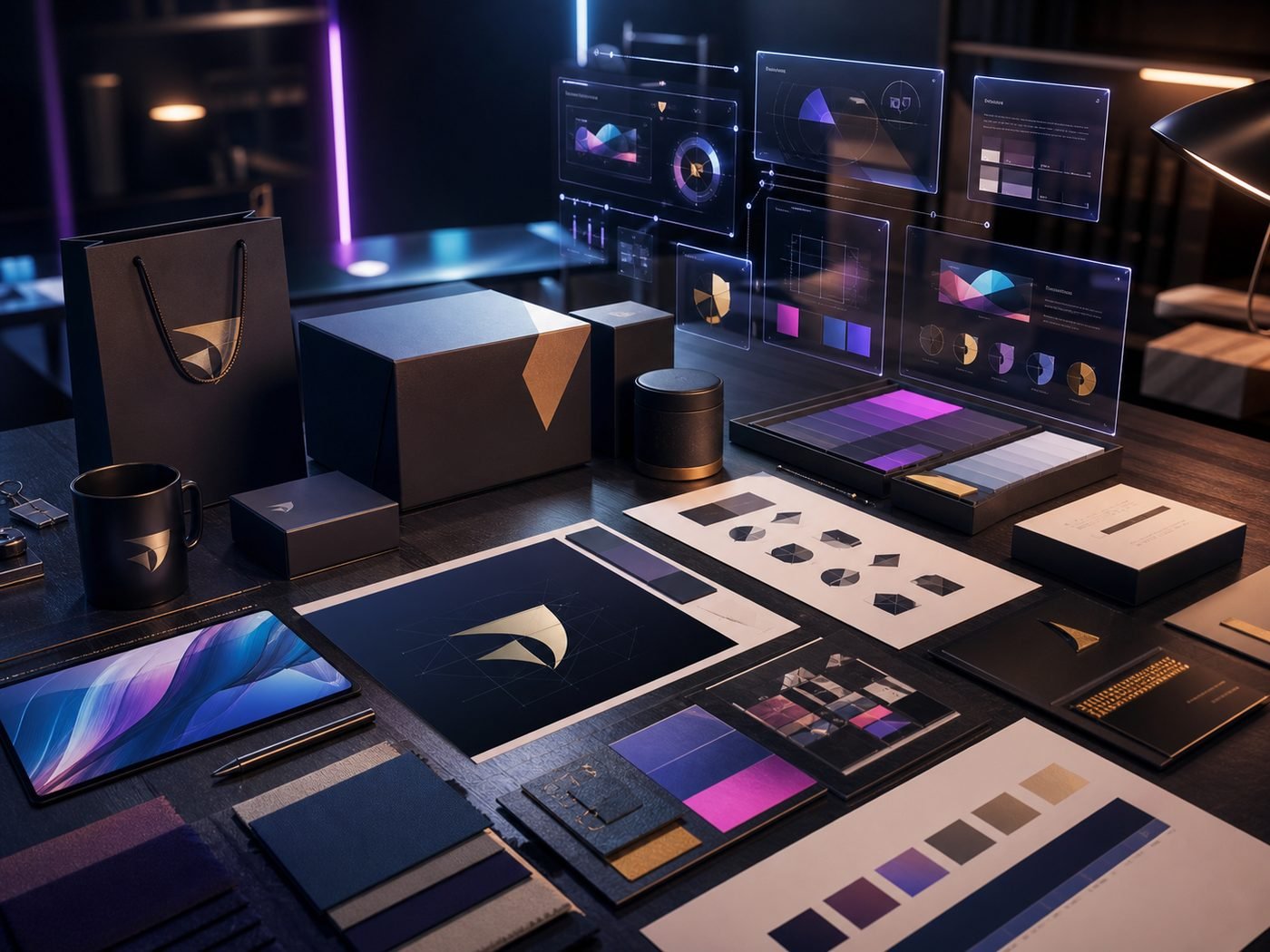
The first wave of AI marketing imagery was wallpaper-grade — generic, glossy, soulless. The 2026 wave is dramatically better, but only when the workflow is set up properly. Random Midjourney prompts still produce the same forgettable visuals. Brand-trained workflows produce assets indistinguishable from a £3,000 photoshoot.
The four tools that matter
- Midjourney v7 — best for stylised marketing imagery, mood boards and editorial shots
- Adobe Firefly — commercially safe (trained on Adobe Stock), best for realistic product mock-ups
- Black Forest Labs Flux — open-source champion, runs locally, fine-tuneable on your own images
- OpenAI image API — the lowest-friction integration into automated workflows
Train it on YOUR brand
Take 20–40 of your best existing brand photos. Fine-tune a custom model (Flux LoRA, Midjourney moodboard, Firefly custom model). The tool now generates new images that match your colour palette, your tone, your style. This is the single biggest unlock — it transforms AI from "good for stock images" to "good enough to be your brand asset library".
Brand-safe rules of engagement
- Never generate images of real, identifiable people — UK GDPR + likeness laws make this legal quicksand
- Always disclose AI generation when images depict events that did not happen (especially in news, journalism, testimonials)
- Use Adobe Firefly or Midjourney with their commercial licences if you sell goods/services with the imagery
- Keep a human in the final review loop — every image, no exceptions
- Maintain a small percentage of authentic photography for credibility — 100% AI imagery erodes trust over time
A weekly workflow that scales
Monday: planning — list image needs for the week. Tuesday: generation — produce 4× what you need. Wednesday: curation — pick the strongest 25%, refine. Thursday: post-production — adjust in Photoshop or Affinity, add brand elements. Friday: deploy. Total time: 4–6 hours instead of 30+.
Key Takeaway
AI image generation is a force multiplier for any UK brand willing to invest 10 hours setting up a proper workflow. The brands that get it right look more polished than competitors spending 10× more on traditional photography.
Need help putting this into practice?
Talk to our Birmingham team — free consultation, no obligation, fixed quotes.