
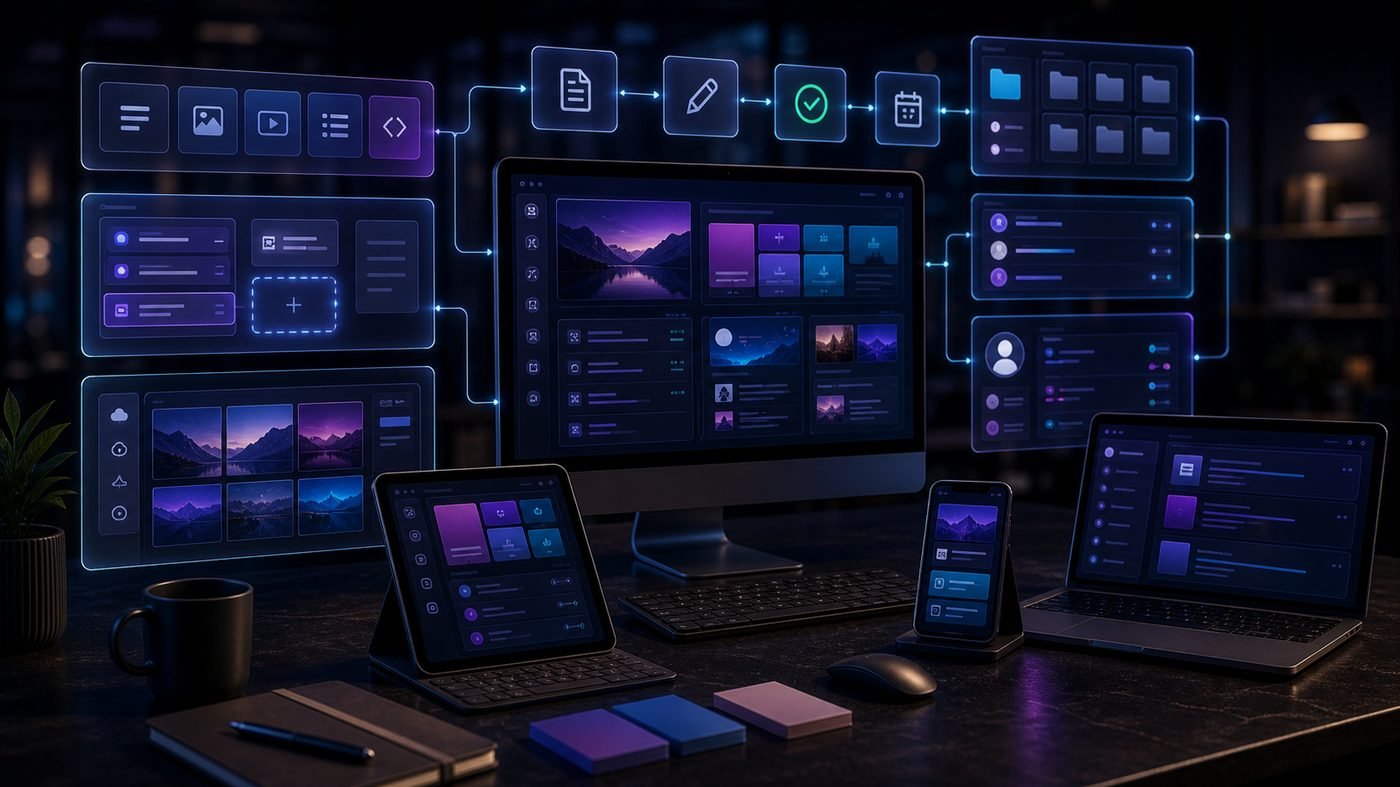
Traditional CMS platforms like WordPress couple two things together: the back-end where you manage content, and the front-end that displays it to visitors. A headless CMS separates these entirely. The result is more flexibility, better performance, and significantly more architectural complexity. Understanding when that trade-off is worth making is the real decision.
What "Headless" Actually Means
In a traditional CMS, the "head" is the front-end — the templates, themes, and rendering layer that turns your content into web pages. A headless CMS removes that front-end entirely. It is purely a content management back-end, delivering content via an API (usually REST or GraphQL) to whatever front-end you choose to build.
That front-end could be a Next.js React application, a mobile app, a digital display, a voice interface, or all of the above simultaneously. The same content API serves every surface. This is why headless CMS is sometimes described as "content as a service" — your content becomes a data layer, not a set of web pages.
Traditional CMS vs Headless CMS
Traditional CMS (WordPress, Drupal, Joomla):
- Content management and front-end rendering are tightly coupled
- Built-in themes and templates provide the presentation layer
- Easier to set up for a single website or blog
- Plugins extend functionality, but add complexity and performance overhead
- Less suited to multi-channel content distribution
Headless CMS (Contentful, Sanity, Strapi, Prismic):
- Content stored and managed in a structured, platform-agnostic format
- Front-end is completely custom — built in any framework you choose
- Ideal for delivering content to multiple channels (web, app, IoT, digital signage)
- Requires developer expertise to build and maintain the front-end
- Better performance potential when paired with a modern front-end framework and CDN
Popular Headless CMS Platforms
Contentful
The most widely adopted headless CMS for enterprise. Excellent API, strong developer tooling, robust content modelling. Pricing can escalate quickly at scale. Best for teams with dedicated developers and complex multi-channel requirements.
Sanity
Highly flexible with a real-time collaborative editing experience. Its GROQ query language is powerful once learned. Open-source studio you can self-host. Popular with Next.js stacks. Strong choice for content-heavy sites requiring custom editorial workflows.
Strapi
Open-source and self-hosted, making it cost-effective at scale. More setup required but gives you full data ownership. Good choice for teams that want headless without ongoing SaaS costs.
Prismic
Strong focus on marketing teams — the Slice Machine feature lets non-developers build new page layouts from pre-built content blocks. Good middle ground between developer flexibility and editor usability.
Performance Benefits
One of the strongest arguments for headless architecture is performance. When you pair a headless CMS with a modern JavaScript framework like Next.js or Astro, you can generate static HTML at build time (Static Site Generation) or at request time (Server-Side Rendering), serving pre-built pages from a CDN edge network.
The result: pages that load in milliseconds globally, with no database queries on each request. For Core Web Vitals and SEO performance, this architecture can achieve scores that are very difficult to match with a monolithic CMS setup, even with aggressive caching.
When Headless Makes Sense
- Multi-channel content delivery. If the same content needs to appear on a website, a mobile app, a kiosk, and a smartwatch — headless is the logical architecture. One content source, multiple front-ends.
- Maximum front-end flexibility. When the design requirements are beyond what any theme or page builder can achieve, a custom-built front-end consuming a headless CMS gives complete freedom.
- Performance at scale. High-traffic sites that need sub-second load times globally benefit from static generation on a CDN, which headless architecture enables cleanly.
- Complex editorial workflows. Large content teams with structured approval processes, localisation requirements, and multiple content types benefit from purpose-built headless CMS tools designed around those workflows.
When to Stick with Traditional CMS
- Small teams without developer support. WordPress with a quality theme and plugins serves most small businesses excellently. The added complexity of headless is not justified.
- Simple content requirements. A blog, a brochure site, or a straightforward e-commerce store does not need the overhead of a decoupled architecture.
- Budget-constrained projects. Headless requires more development time upfront and ongoing maintenance expertise. The cost is justified at scale; for a £500 website, it rarely is.
- Non-technical content teams. Many headless CMS editors are less intuitive than WordPress for non-technical editors. If your team needs to update content without developer involvement, test the editorial experience carefully before committing.
The Hybrid Option: WordPress as Headless
WordPress can be used as a headless CMS via its REST API or the WPGraphQL plugin. This gives you WordPress's familiar content management interface while serving content to a custom front-end. It is a popular approach for teams that want headless performance without abandoning WordPress for content editors. The trade-off is losing some WordPress front-end features (certain plugins become irrelevant when WordPress is not rendering the front-end).
Key Takeaway
Headless CMS is the right architecture for multi-channel content delivery, complex custom front-ends, and high-performance requirements — but it comes with meaningfully higher development cost and complexity. For most small-to-medium UK businesses with a single website, a well-configured traditional CMS remains the pragmatic choice. Go headless when the requirements genuinely demand it, not because it is the latest trend.
Final Thoughts
Headless CMS architecture is not inherently better than traditional CMS — it is a different set of trade-offs suited to a different set of requirements. The businesses that benefit most are those with multi-channel content needs, significant traffic, custom design requirements, or complex editorial workflows. If you are evaluating whether headless is right for your next project, the most useful question is not "which is more modern?" but "which gives our specific team and content requirements the best outcome?" That answer is different for every project.
Need help putting this into practice?
Talk to our Birmingham team — free consultation, no obligation, fixed quotes.