
What Generative AI Actually Does Well
Before discussing individual tools, it is worth being clear about the category of tasks where generative AI genuinely excels — because the hype has led many designers to expect capabilities the technology does not yet reliably possess, while simultaneously underselling what it does brilliantly.
Generative AI is at its strongest when the task involves:
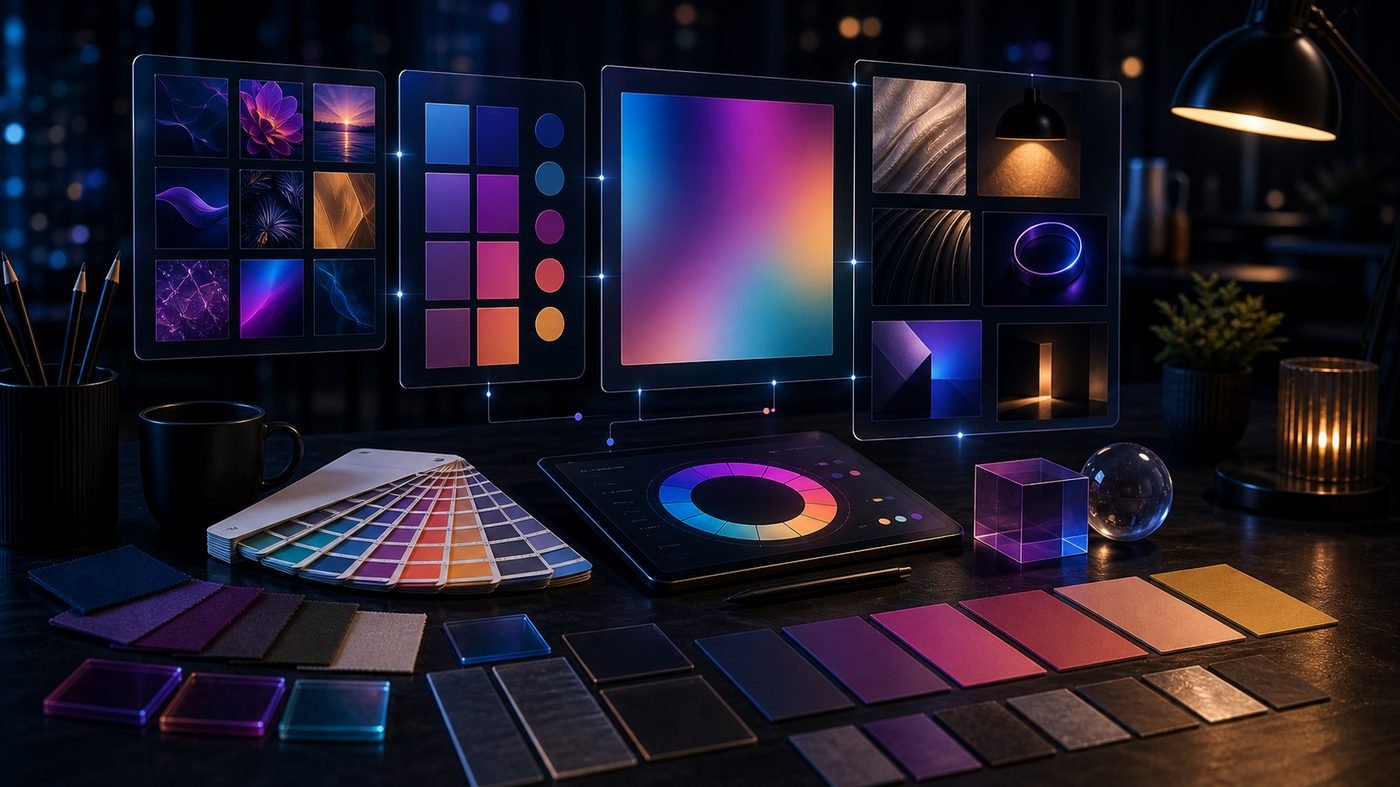
- Mood board creation: Generating dozens of visual directions from a brief in minutes, allowing designers and clients to align on aesthetic quickly. What previously took hours of sourcing reference images from stock libraries now takes a few focused prompting sessions.
- Concept exploration: Testing visual hypotheses cheaply before committing to production. If you want to explore whether a campaign should feel editorial, minimal, or maximalist, AI can generate representative examples of each direction before a single hour of design time is spent.
- Texture and background generation: Creating seamless textures, abstract backgrounds, and environmental imagery that would be costly to photograph or tedious to produce manually.
- Rapid ideation: Breaking creative blocks by generating unexpected visual combinations that can spark new directions the designer then refines and develops with their own craft.
These are meaningful, practical applications — not trivial ones. The designers getting the most from AI are using it to compress the exploratory phase of creative work, freeing more time for the execution and refinement that still requires human judgement.
Where AI Falls Short — and Why It Matters
The limitations of current generative AI tools are equally important to understand, because misapplying them produces poor results and can damage client relationships.
Consistent brand characters remain beyond the reliable capability of most tools. If you need a brand mascot to appear consistently across ten different scenes — same proportions, same colours, same expression personality — AI will generate variations that look related but not identical. This is a fundamental issue with how diffusion models work: each generation is probabilistic, not referential.
Complex logos and precise typography are areas where AI consistently struggles. Text within AI-generated images is frequently garbled, misspelt, or visually distorted. Logo design requires intentional, precise geometry that current models cannot reliably produce. Using AI to generate logos for client work is, at this stage, inadvisable without substantial manual correction.
Technical illustrations — cutaway diagrams, mechanical drawings, instructional graphics — require a level of literal accuracy that generative AI does not consistently deliver. The models optimise for visual plausibility, not factual precision.
"AI is a brilliant first-pass tool and a poor finishing tool. The mistake is treating the first pass as the finished article."
Tool Breakdown: Choosing the Right Platform
Each major generative AI image tool has a distinct character and is suited to different use cases.
- Midjourney produces the most aesthetically polished and atmospherically rich output of any current tool. Its default output has a distinctive quality — slightly filmic, richly detailed, with excellent lighting — that makes it ideal for editorial imagery, campaign mood boards, and hero visuals. Its weakness is precision: following a very literal brief is harder than achieving a general aesthetic. It currently requires Discord access, which remains a friction point for professional workflows.
- DALL-E 3 (via ChatGPT or the API) follows text prompts with greater literal accuracy than Midjourney. If you need a specific scene — "a flat-lay photograph of a ceramic mug on a marble surface with a sprig of rosemary" — DALL-E 3 is more likely to deliver all four elements reliably. Output quality has improved substantially in recent versions, though it still lacks the atmospheric richness of Midjourney at its best.
- Adobe Firefly is the most commercially responsible choice for professional design work. It is trained exclusively on licensed Adobe Stock content and public domain imagery, meaning there is no ambiguity about commercial rights to its output. Its integration with Photoshop — particularly Generative Fill and Generative Expand — makes it the most practically useful tool for designers already working in Adobe's ecosystem. It is the right default choice for client deliverables where copyright clarity matters.
- Stable Diffusion is the choice for designers who want maximum control and the ability to run generation locally without subscription costs. As an open-source model, it can be fine-tuned on specific brand imagery, integrated into custom pipelines, and extended with a vast library of community-built models. The trade-off is a steeper technical learning curve and significant compute requirements for local use.
AI in Figma, Copyright Realities, and Brand Consistency
Figma's plugin ecosystem has rapidly incorporated AI capabilities, and several deserve attention from product designers and UX teams.
Magician by Diagram generates icons, images, and copy directly within Figma files, reducing the need to switch between tools during the design process. Anima uses AI to assist with design-to-code translation, identifying components and suggesting appropriate front-end implementations. Genius can auto-populate design frames with contextually appropriate placeholder content based on the component's purpose. None of these tools replaces design judgement — they reduce the friction of mechanical tasks so that judgement can be applied where it matters most.
On copyright, the legal landscape is genuinely unresolved. Several high-profile lawsuits against image generation companies are ongoing in the United States, and the UK's Intellectual Property Office has been consulting on how existing copyright law applies to AI training data and AI-generated output. The practical implications for designers are: treat Adobe Firefly as the safest option for commercial client work; be cautious about using outputs from tools trained on scraped web data in contexts where copyright claims could arise; and document your AI usage in project records.
Brand consistency is the challenge most frequently raised by designers experimenting with AI. Because each generation is independent, maintaining precise colour values, typographic choices, and visual language across a suite of AI-assisted assets requires a disciplined post-processing workflow. The most effective approach is to use AI for ideation and asset generation, then run all outputs through a brand QA process before client delivery — adjusting colours to match brand values, replacing any generated typography with the correct brand typeface, and ensuring compositional consistency across the asset set.
Key Takeaway
Generative AI is most valuable as a briefing and ideation tool, not a production tool. Use it to explore directions, generate references, and accelerate the early stages of a creative project. Maintain your craft standards and brand rigour in the execution phase. The designers who will thrive alongside these tools are those who understand their limitations as clearly as their capabilities — and who use AI to think faster, not to skip thinking altogether.
Final Thoughts
The conversation around generative AI in design has been dominated by two opposing camps: those who believe it will replace designers entirely, and those who dismiss it as a novelty unsuited to serious creative work. The reality, as experienced by practitioners actually using these tools in production environments, is more nuanced and more interesting. Generative AI is a genuinely powerful addition to the creative toolkit — one that is changing how briefs are explored, how references are gathered, and how quickly early-stage creative directions can be communicated. It is not, however, a replacement for the strategic thinking, client understanding, and craft refinement that define professional design work. The designers integrating AI most effectively are not those using it most — they are those using it most deliberately.
Need help putting this into practice?
Talk to our Birmingham team — free consultation, no obligation, fixed quotes.